Support agents interrupt engineers for product answers, dig through Confluence mid-ticket, and give inconsistent responses — because the documentation isn't findable under queue pressure.
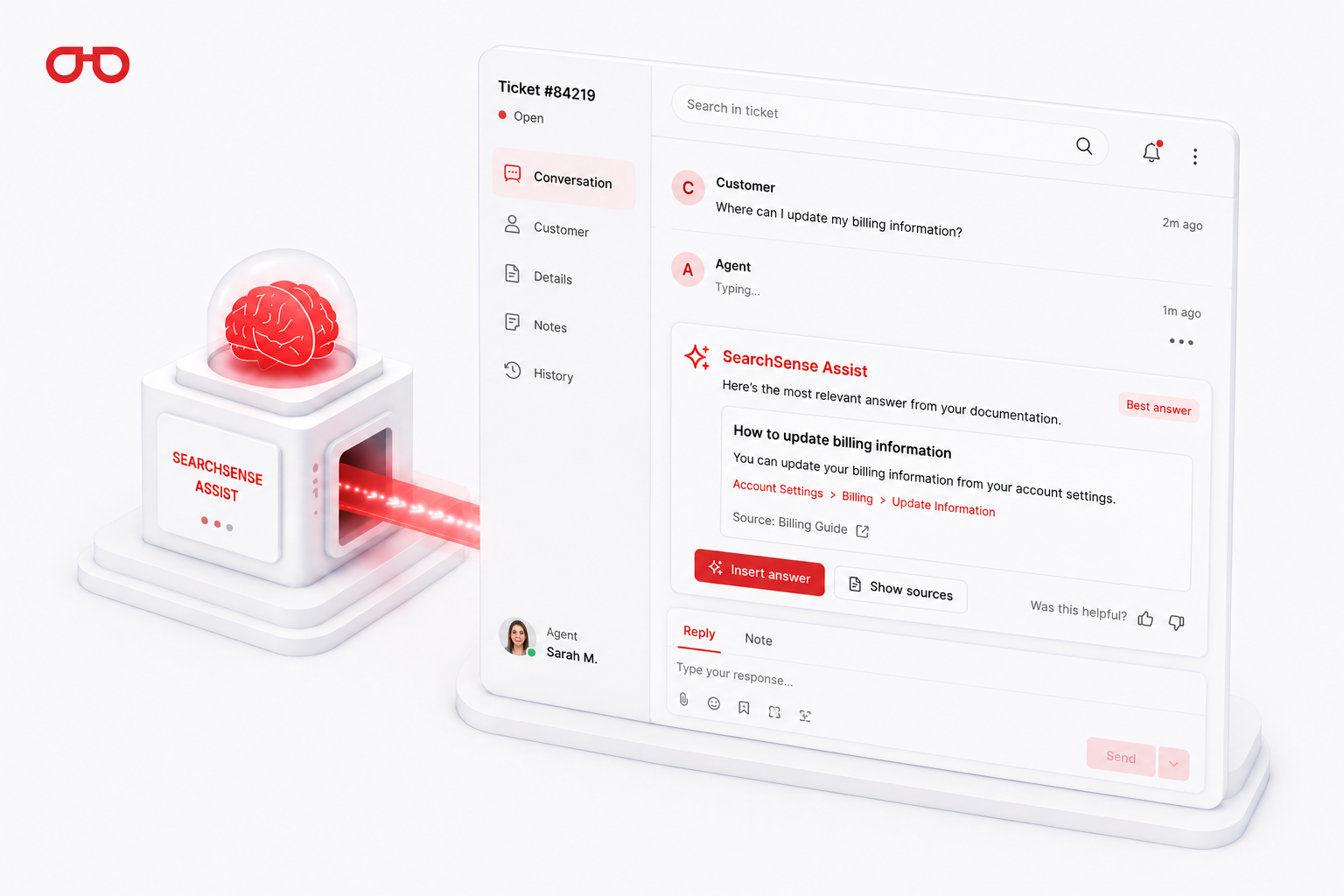
Not every customer query is resolved by AI before it reaches a human. When a ticket does reach an agent, how quickly they find the right answer determines handle time, first-contact resolution, and CSAT. SearchSense Assist surfaces the right answer from your documentation in the agent's console before they start typing — without them leaving the ticket.
28%
reduction in average handle time with in-console knowledge
32 hrs
agent knowledge search time saved per day per 20-agent team
↑ CSAT
consistent, cited answers improve satisfaction regardless of agent seniority
Agent knowledge in the console
A detailed look at the problem, its structural cause, and the mechanism by which SearchSense Assist solves it.
01
What's actually happening
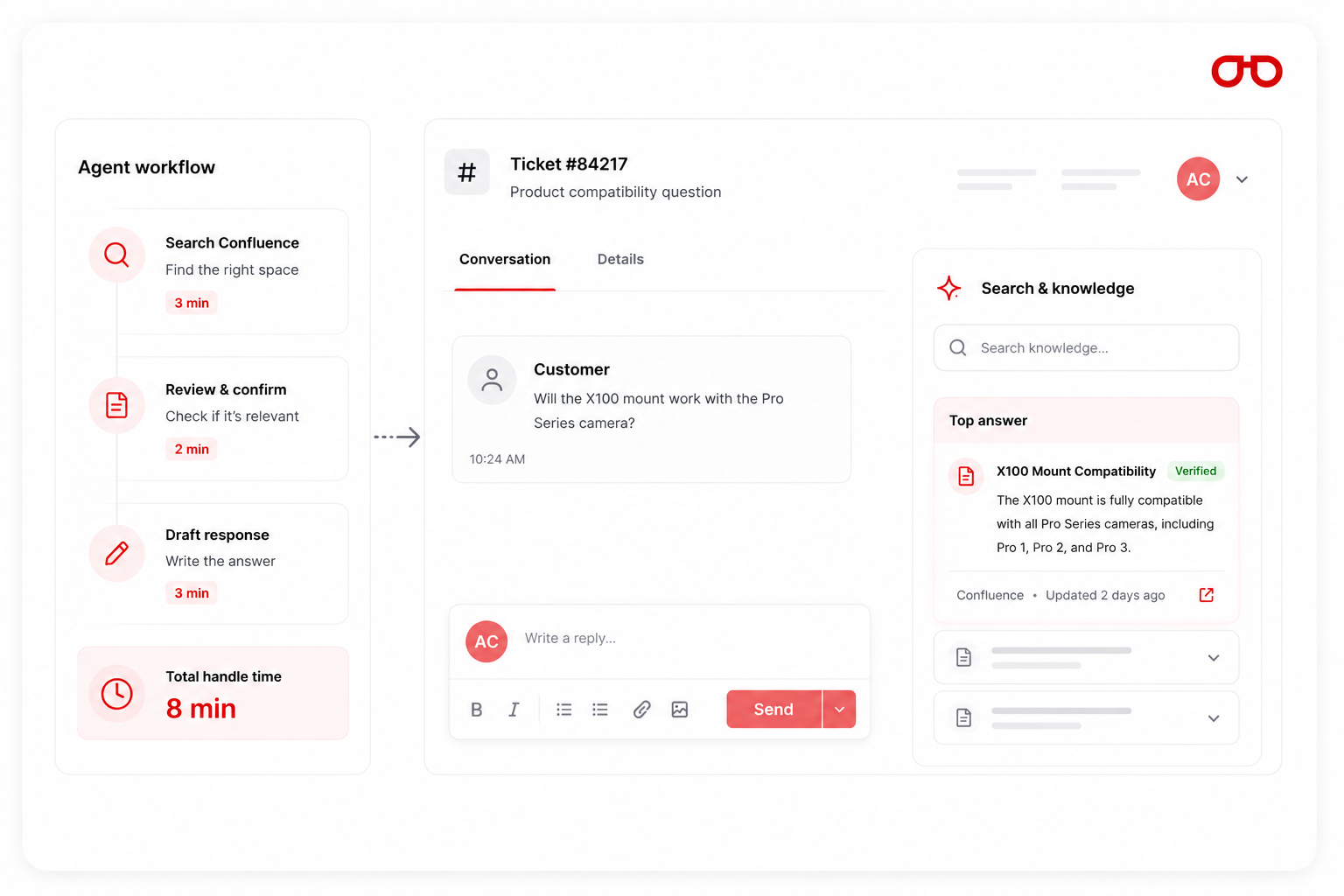
A support agent opens a complex ticket about a product compatibility question. They know the answer is in Confluence somewhere — but they can't remember which space. They search Confluence in another tab (3 minutes), find a document that might be relevant, confirm it's the right one (2 more minutes), draft a response (3 minutes). Total handle time: 8 minutes.
02
The structural cause
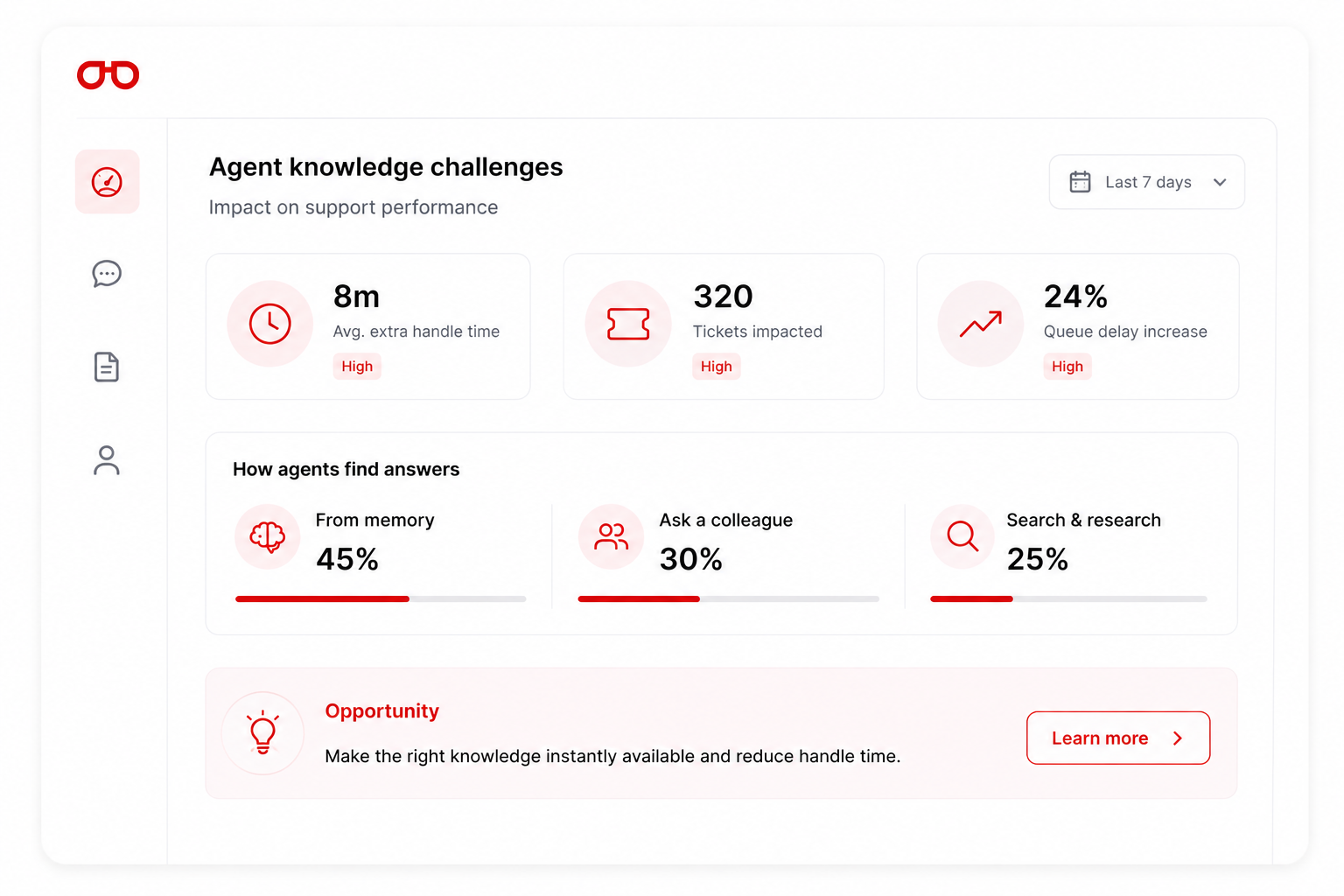
Support agents work under queue pressure. When the right documentation isn't immediately findable, they make a pragmatic choice: answer from memory, ask a colleague, or spend time searching and slow the queue. None of these are ideal.
03
The mechanism — not just the claim
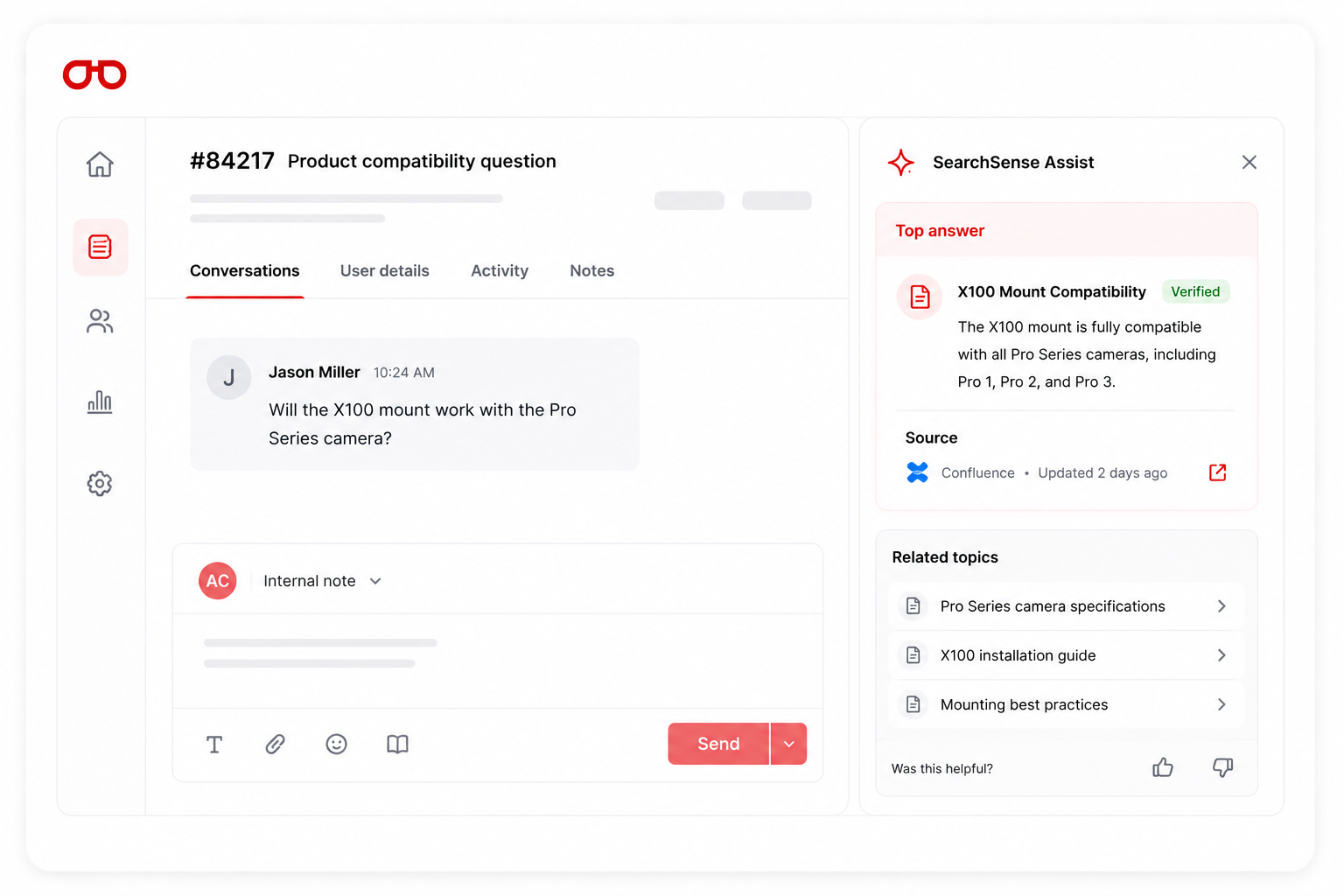
SearchSense Assist deploys a sidebar widget inside your helpdesk console — Zendesk, Intercom, Freshdesk, HubSpot, or Salesforce Service Cloud. When a ticket opens, Assist automatically surfaces the most relevant answer from your documentation in the sidebar — before the agent starts typing.
Explore all products

 Commerce
AI-powered product discovery for technical catalogs — from 10,000 SKUs to 1 million. Exact match, attribute filtering, and merchandising.
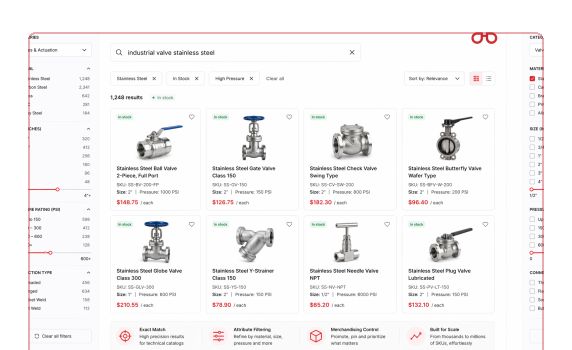

 Workspace
AI knowledge search for sales and operations teams behind your portal. Find any spec sheet, pricing doc, or product PDF in under 10 seconds.
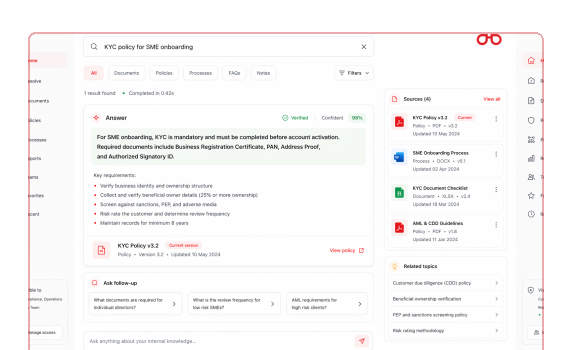
Key capabilities
What SearchSense Assist delivers for this use case.
As a ticket opens, Assist analyses the customer query and surfaces the most relevant answer from your documentation in the agent sidebar — before they start typing.
Agents search the full internal knowledge base without leaving the ticket view — results ranked by relevance to the current query, not alphabetically.
Assist drafts a complete response grounded in your documentation for the agent to review, edit, and send — including the source citation in the draft.
Long threads summarised in three sentences when an agent picks up a ticket mid-stream — full context in seconds, not after reading 40 messages.
When an agent uses a suggested reply, the source citation is included — customers receive cited answers whether the response was automated or agent-written.
Previous tickets with matching intent and their resolutions surfaced in the sidebar — agents learn from what worked for the same query previously.